Deskdrop for Android
Your phone, on your desk.
A Jetpack Compose app that runs quietly in the background, shows up in the share sheet, and brings your calls, texts and camera to your computer.
Android 8.0 or later · Version 1.3.3 · 14.3 MB
A tour
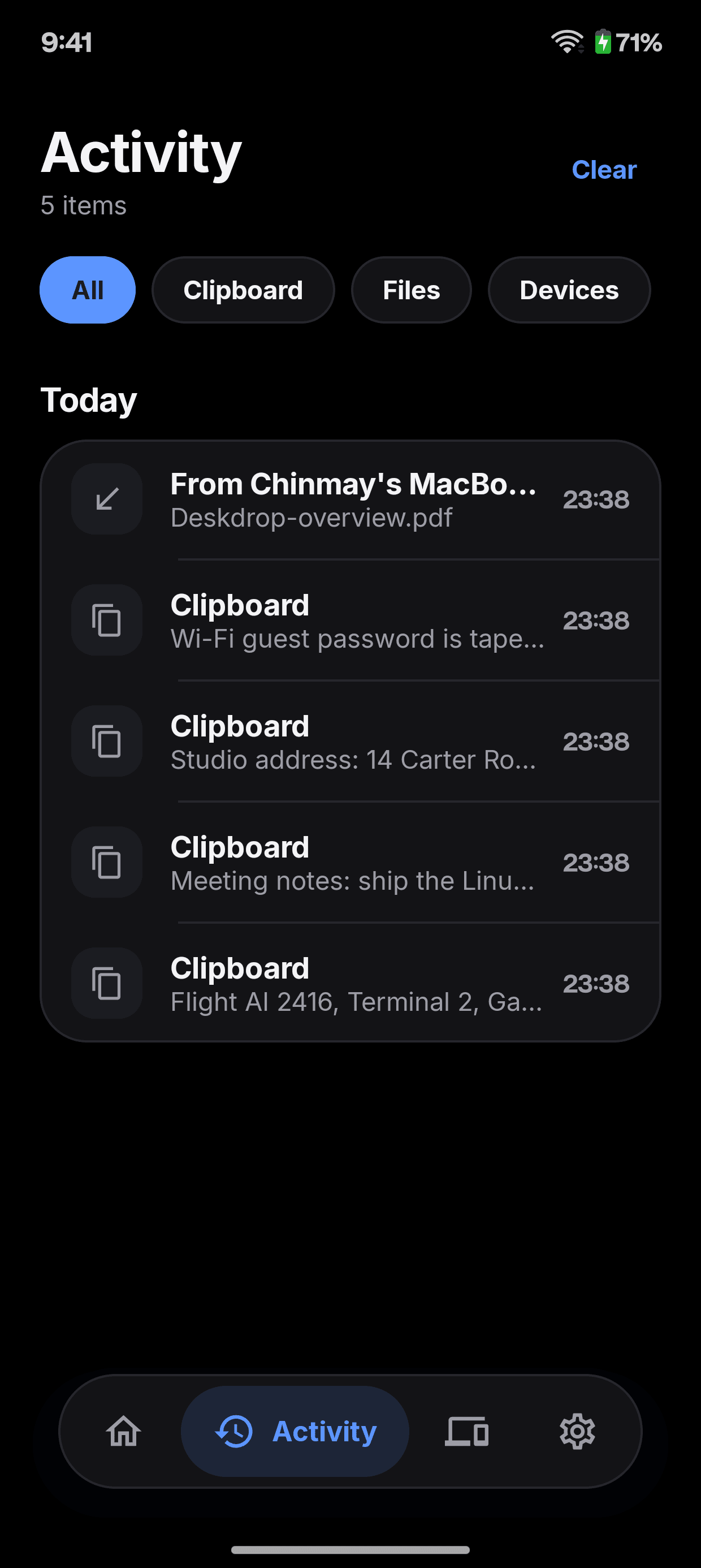
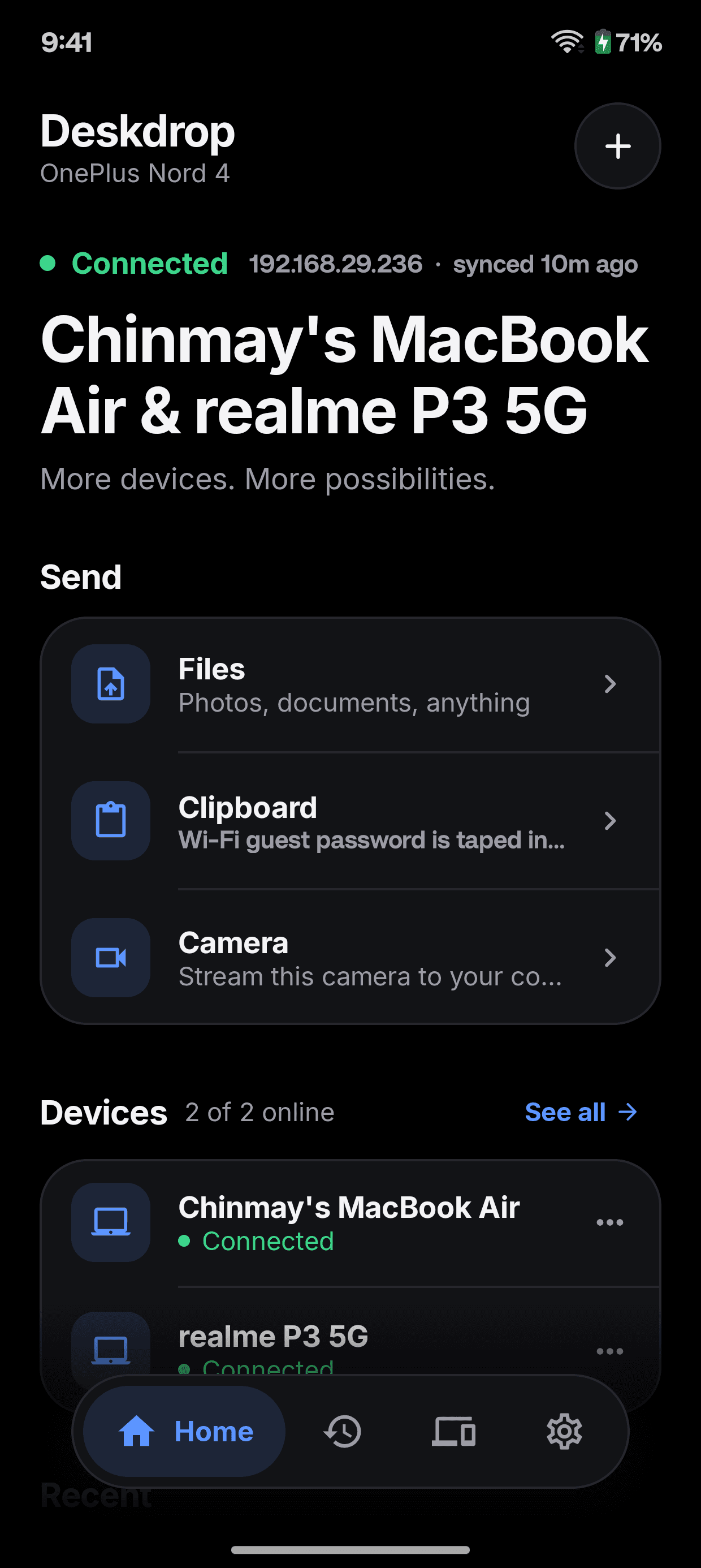
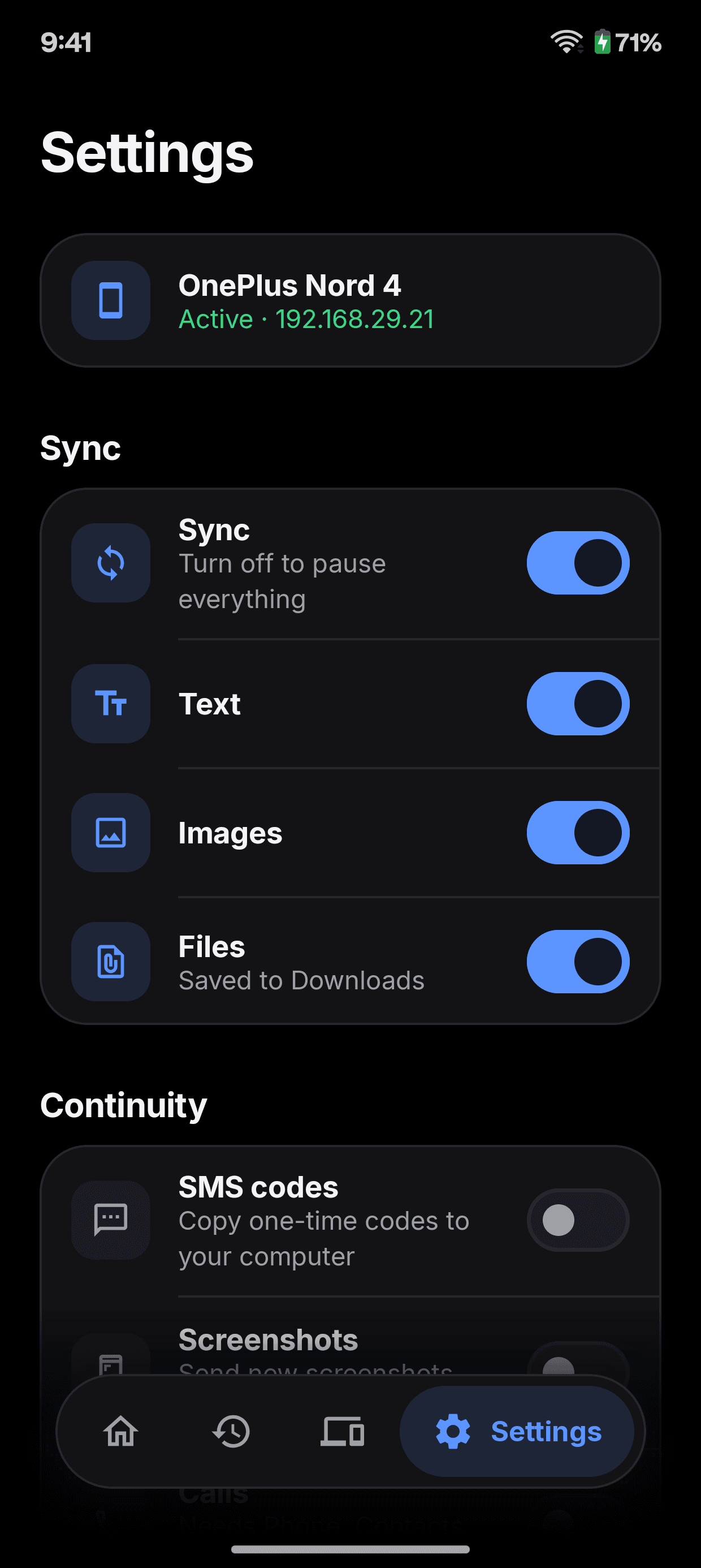
Every screen, in Android's own words.
Built with Kotlin & Jetpack Compose, so it behaves like the rest of your phone. Here is all of it, in whichever theme the site is in.
Home. What you copied last, and one tap to send files, your clipboard or your camera.
Only on Android
Made for where it runs.
Everything Deskdrop does everywhere, plus the things that only make sense on Android.
Share sheet
Deskdrop is a target in every app's Share menu. Pick a computer and it is sent.
Wireless webcam
Stream the phone's camera to your computer's video apps over your local network.
Calls and texts
Incoming calls and messages appear on your desktop as native notifications.
SMS codes
One-time codes you receive can be copied to your computer, if you allow it.
Home screen widget
Send your clipboard or a file without opening the app.
Battery on the desktop
Your computer shows the phone's battery and charging state.
Under the hood
Native on top. Rust underneath.
The app you see is written for this platform. The engine that finds devices, encrypts and resumes is the same Rust core on every one of them.
Kotlin & Jetpack Compose
The Android app
deskdrop-core
Rust, over JNI
Your other devices
Wi-Fi, LAN or hotspot, encrypted
Get started
Up and running in a minute.
Install it here and on one more device on the same Wi-Fi, LAN or hotspot. They find each other; you confirm the PIN once.
- 1
Open the .apk and allow your browser or file manager to install apps.
- 2
Grant the permissions it asks for, including notification access for calls and texts.
app-release.apk14.3 MB
Download
Bring your phone to the desk.
Free, open source, and yours to run. Install it on two devices and they find each other.