Features
Everything Deskdrop does, in detail.
Two things done properly, files and clipboard, plus the small conveniences that make every phone and computer you own feel like one setup.
File transfers
Big files. Bad Wi-Fi. No restarts.
Send a 4K video from your PC to your phone and walk out of range halfway. When you come back, it carries on from the last chunk that arrived, with speed and time left updating as it goes.
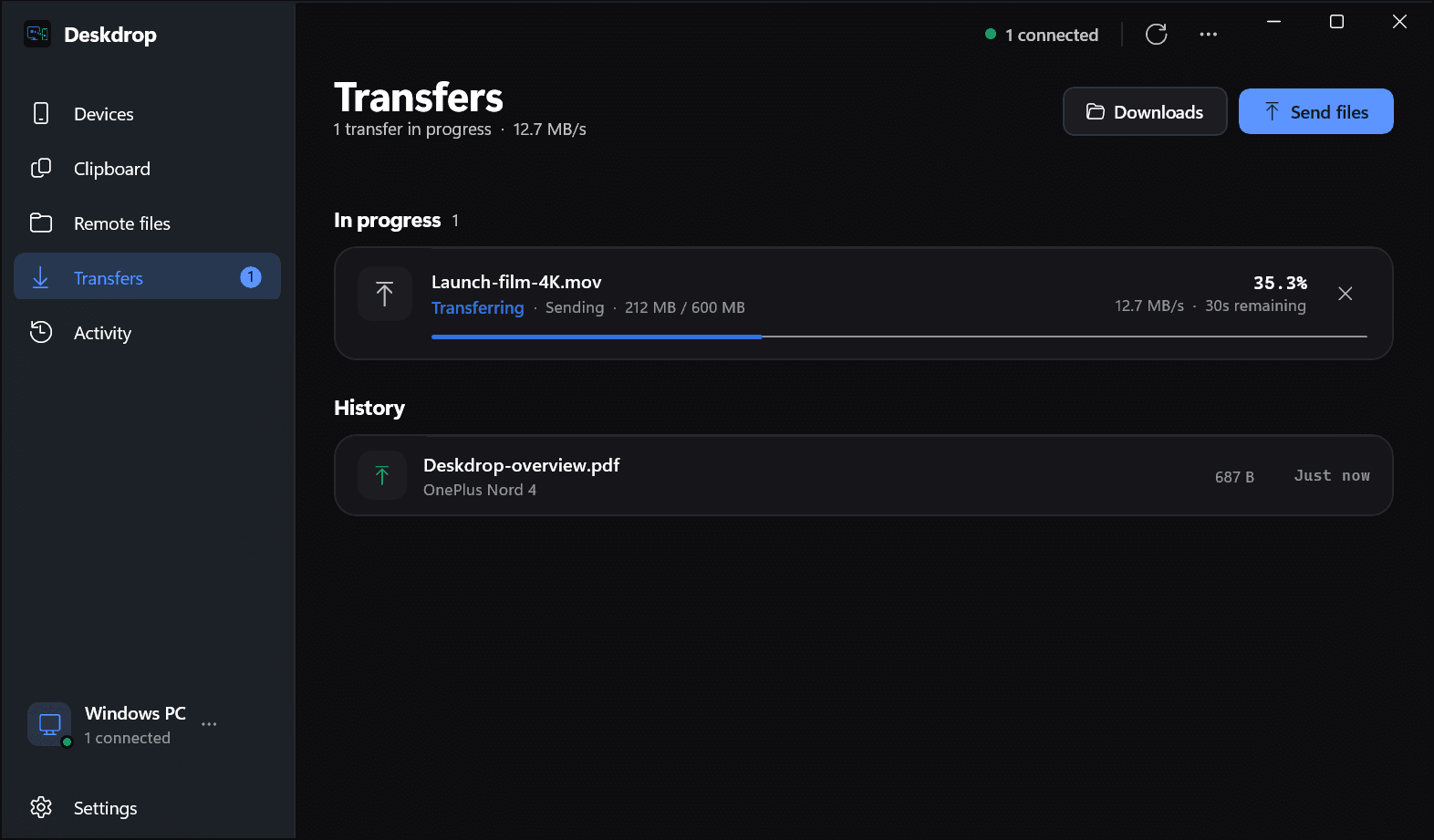
Per chunk
Acknowledged as it lands
The receiver confirms each chunk, so a dropped link resumes from the last one it confirmed.
Adaptive
Batch size follows the link
The gap between sent and confirmed chunks decides how much is in flight. Fast links scale up, slow ones back off.
16 MB → 256 KB
The biggest buffer the OS allows
Deskdrop asks the kernel for a large socket buffer and steps down until the network interface accepts one.
4 KB
Sampled before compressing
Videos, zips and photos are spotted from a small sample and sent without wasting CPU on compression.
Clipboard
One clipboard, with a memory.
Copy on your Mac, paste on your phone. Everything you copy also lands in a timeline, filterable by text, image or file, that every device can search.
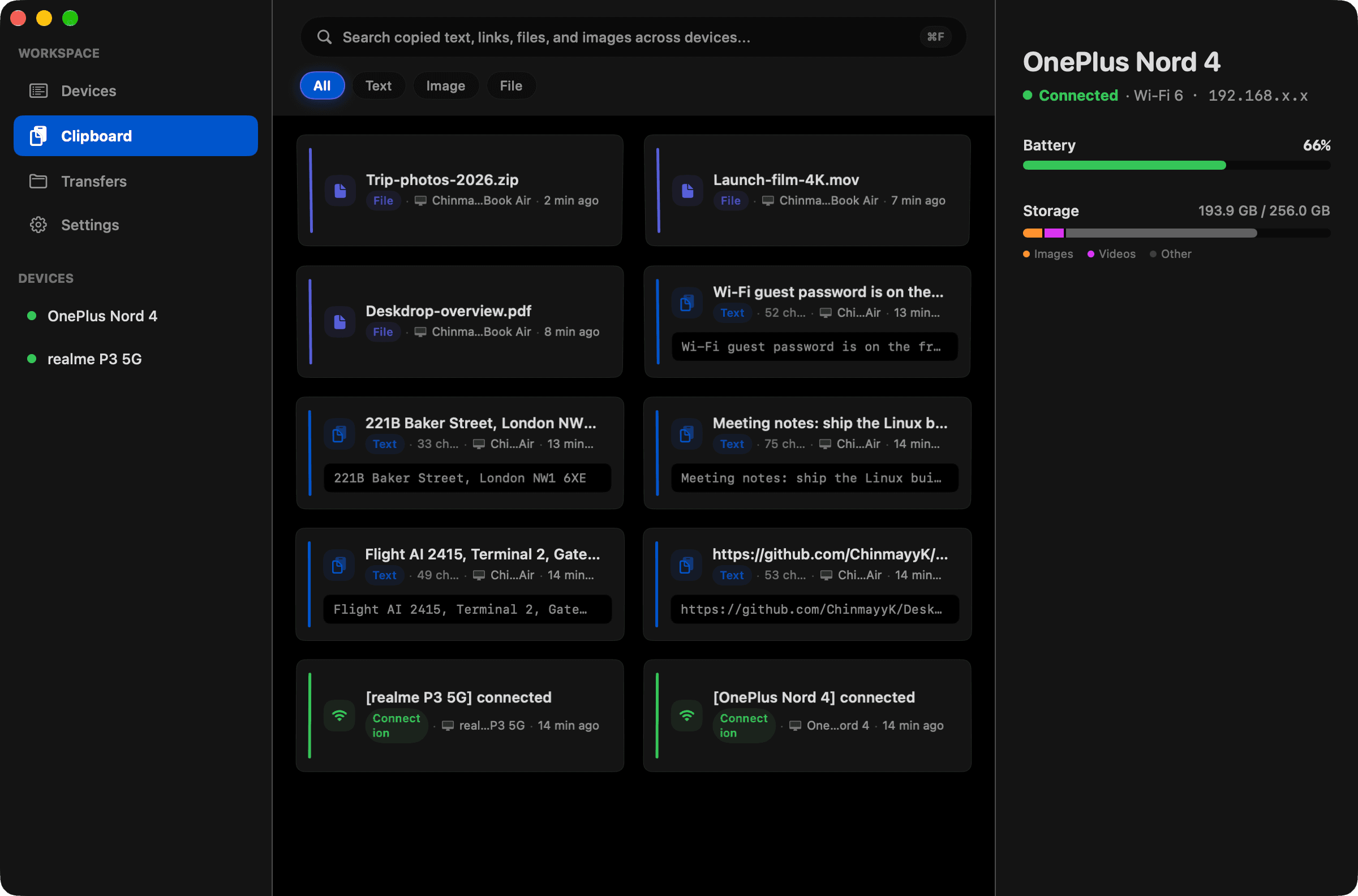
Searchable history
Recent items stay in a local history you can search from any device.
Pin and tag
Keep the things you paste every day one keystroke away.
Text, links and images
Copy a screenshot on one device and paste it on another.
Re-send anything
Push an old clip to one device, or all of them, from the timeline.
Some things should never leave the device they were copied on.
Before anything is shared, it is checked on the device against rules you can edit. If it looks like a secret, it stays put. It is a safety net, not a guarantee, and it is on by default.
- One-time codesYour login code is 482 913
- Card numbers4111 1111 1111 1111
- API keys and tokensghp_4fT9xQ2mLr8vPz…
- Passwordspassword: hunter2
Quick access
OnePlus Nord 4 · connected
Timeline
- Wi-Fi guest code is taped inside the cupboard. See you at 7!Text · MacBook Air · 5m ago
- Studio address: 14 Carter Road, Bandra West, MumbaiText · MacBook Air · 5m ago
- Flight AI 2416, Terminal 2, Gate 12. Boards 07:10Text · MacBook Air · 6m ago
Remote files
Open your phone from your desk.
Browse only the folders you have chosen to share on a paired phone or computer, see thumbnails, and fetch the one file you need. No syncing the whole camera roll.
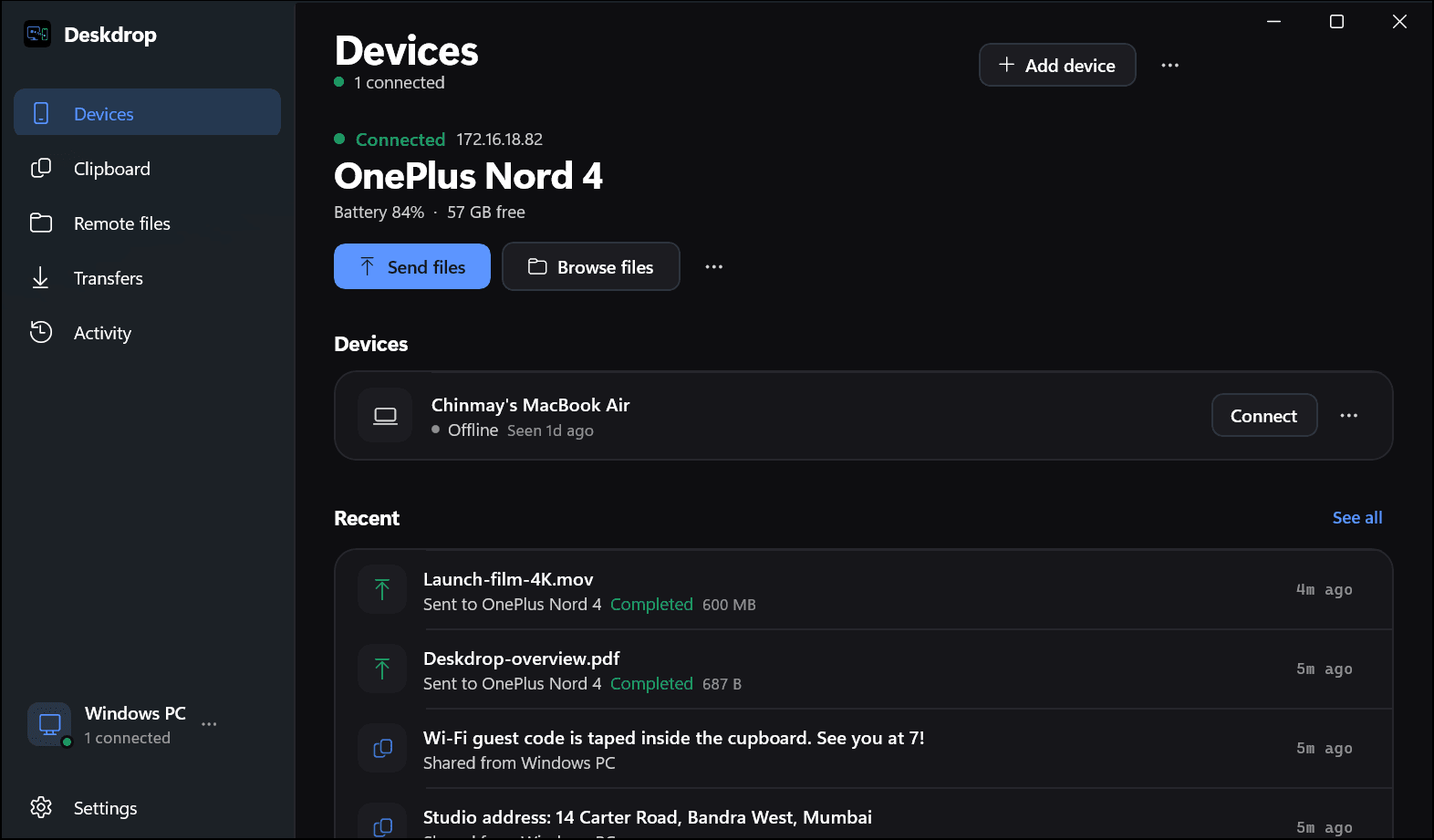
Phone and desktop
Your phone, part of your setup.
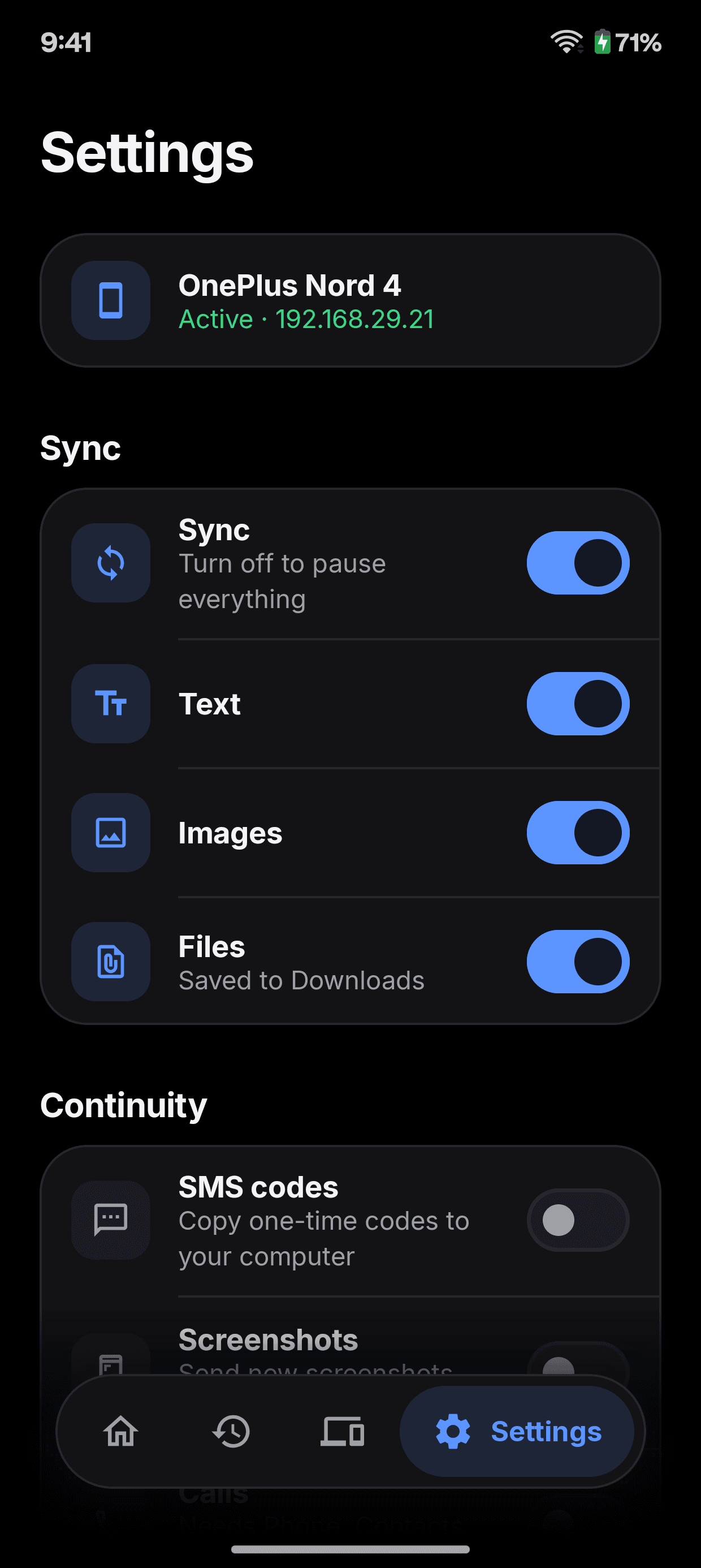
Once your phone and computer trust each other, more than files can cross: the camera, the calls, the battery, the codes.
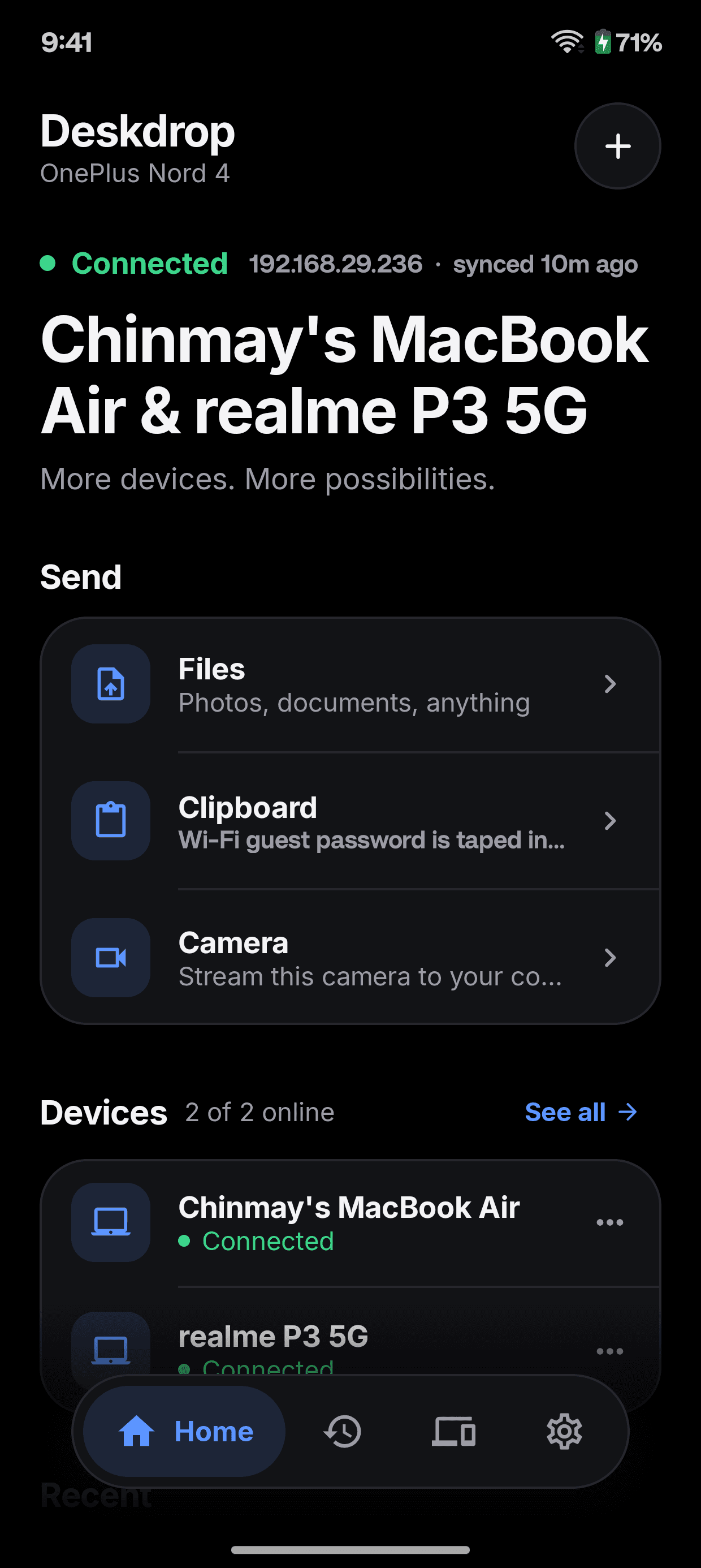
Phone camera as a webcam
Send the live camera feed to video apps on your desktop over your local network, with no cable or driver.
Calls, texts and app alerts
Phone notifications appear on the desktop as they arrive. Windows shows who is calling.
SMS codes, if you want them
Let the phone copy one-time codes to your computer. Off until you turn it on.
Battery in the tray
See your phone's charge level and whether it is plugged in, from the desktop.
No sleeping mid-transfer
Deskdrop keeps macOS, Windows and Android awake until a large transfer finishes.
Share sheet and widget
Send from any Android app, or from the home screen without opening Deskdrop.
Keyboard
Keep your hands where they are.
On the Mac, every action has a keystroke. Press ⌘K for the command palette, ⌘⇧V for your recent clips, and jump between pages without the mouse.
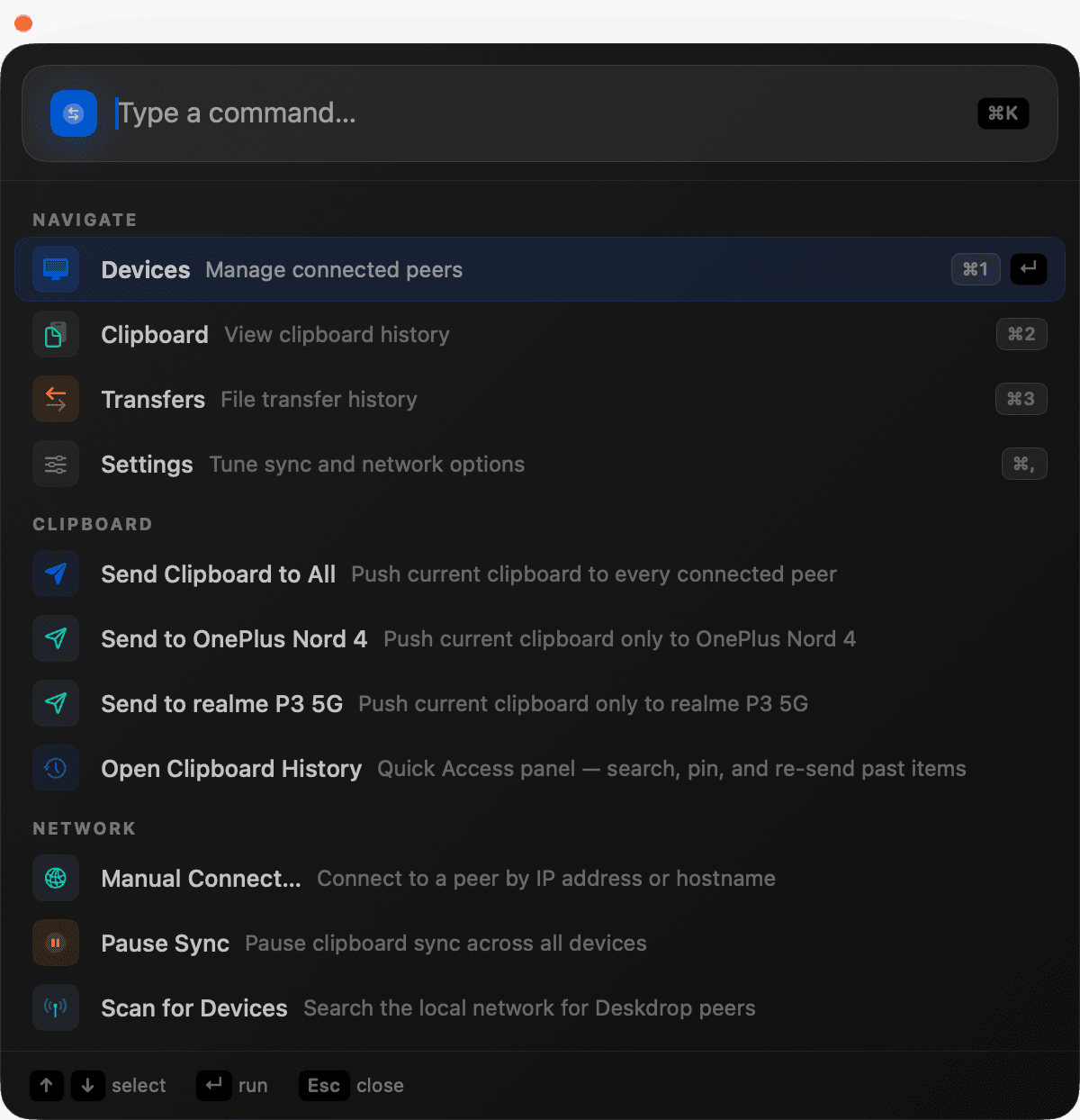
- Command palette⌘K
- Quick Access, your recent clips⌘⇧V
- Devices⌘1
- Clipboard⌘2
- Transfers⌘3
- Settings⌘,
Command line
Everything, from the terminal.
Every app sits on top of the same background daemon. deskdrop-cli talks to it over the same local socket, so anything the apps can do, a script can too.
$ deskdrop-cli status$ deskdrop-cli history --last 15Daemon
- deskdrop-cli status
- Is the daemon running, and what is it connected to
- deskdrop-cli ping
- Round-trip time to the daemon over its local socket
- deskdrop-cli peers
- Devices connected right now
- deskdrop-cli events --last 20
- The most recent engine events
Send
- deskdrop-cli push <text>
- Put text on every connected device's clipboard
- deskdrop-cli send <device> <text>
- Send text to one device
- deskdrop-cli send-file <device> <path>
- Send a file, resumable like any other
- deskdrop-cli connect <ip> [port]
- Connect by address when discovery is blocked
Devices
- deskdrop-cli devices list
- Every device this machine has paired with
- deskdrop-cli devices trust <id>
- Approve a pairing request
- deskdrop-cli devices rename <id> <name>
- Give a device a better name
- deskdrop-cli devices revoke <id>
- Remove trust from a device
- deskdrop-cli devices peer-settings <id> pause
- Stop syncing with one device without unpairing
History
- deskdrop-cli history --search <q>
- Search clipboard history
- deskdrop-cli history pin <id>
- Keep an item from being evicted
- deskdrop-cli history repush <id> [device]
- Send an old clip again
- deskdrop-cli history export json
- Export everything as JSON or CSV
Try it on the devices you have.
Free, open source, and yours to run. Install it on two devices and they find each other.